![Trust20-1.svg]](https://help.trust20.co/hubfs/Trust20-1.svg)
After you purchase access to your Food Protection Manager Certification, you can proceed straight to the platform by following the login link, and you will also receive a confirmation email from Trust20 that contains your receipt and login instructions.
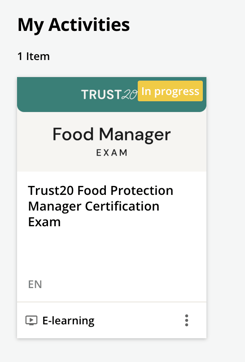
You can also follow this link: login.trust20.co and enter your login credentials. Click your Certified Food Protection Manager exam from your learner homepage under “My Activities”.
If you were invited by a manager, you'll need to accept the invitation that was sent to your email. After setting up your password and language preferences, you will be able to log in at account.trust20.co.