![Trust20-1.svg]](https://help.trust20.co/hubfs/Trust20-1.svg)
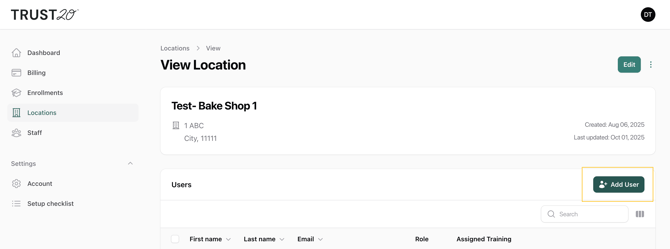
Navigate to the Location tab and go to the location where you would like to add a location manager. Click "Add user."
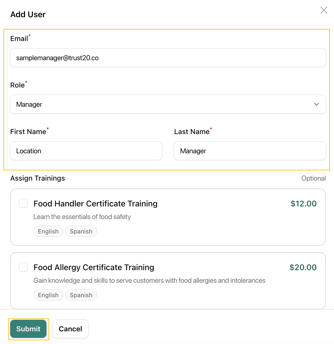
Fill in the required fields. You can also invite them to products during this step. Then click "Submit" to save.
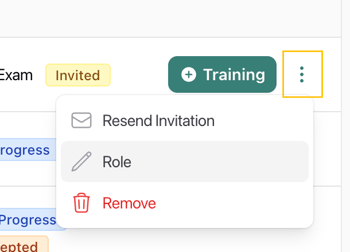
 You can change someone's role or remove them by clicking the three dots, then selecting "Role" or "Remove." This will only change their role or remove them from that location. Other locations will not be affected.
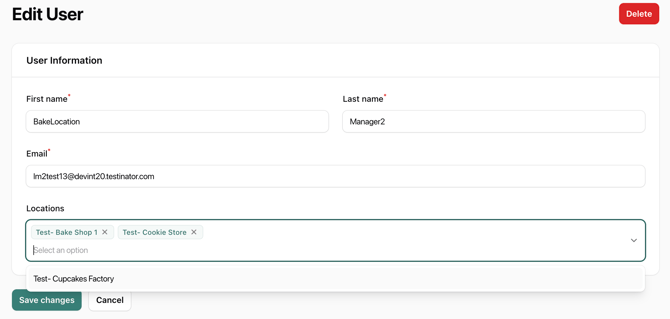
To add an existing location manager to other locations, you can enter their email and role at each location, or you can find them in the Staff tab and add and remove locations in bulk.