![Trust20-1.svg]](https://help.trust20.co/hubfs/Trust20-1.svg)
Upon your first login, you will notice a prompt on your homepage to set up payment details.
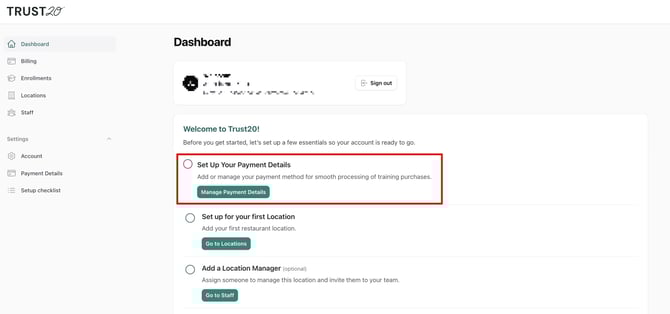
Click the "Manage Payment Details" button, or the Payment Details tab. From this screen, you can add or update your credit card information.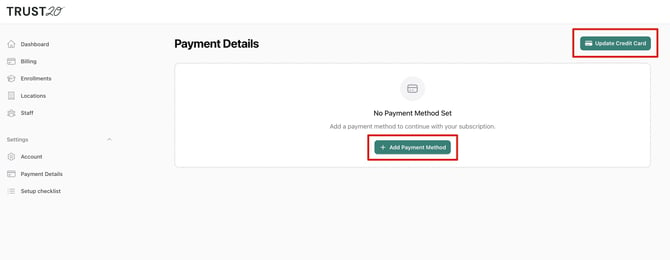
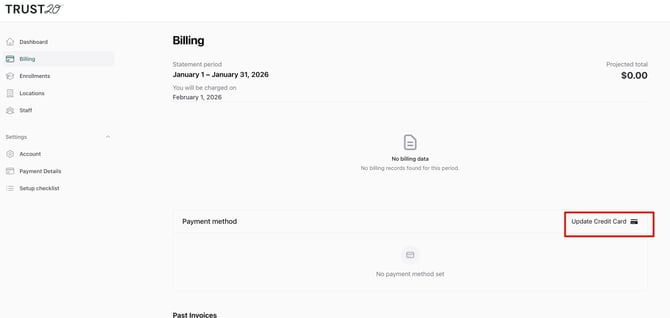
Alternatively, you may also update your payment details by clicking the "Update Credit Card" button on the Billing tab.