![Trust20-1.svg]](https://help.trust20.co/hubfs/Trust20-1.svg)
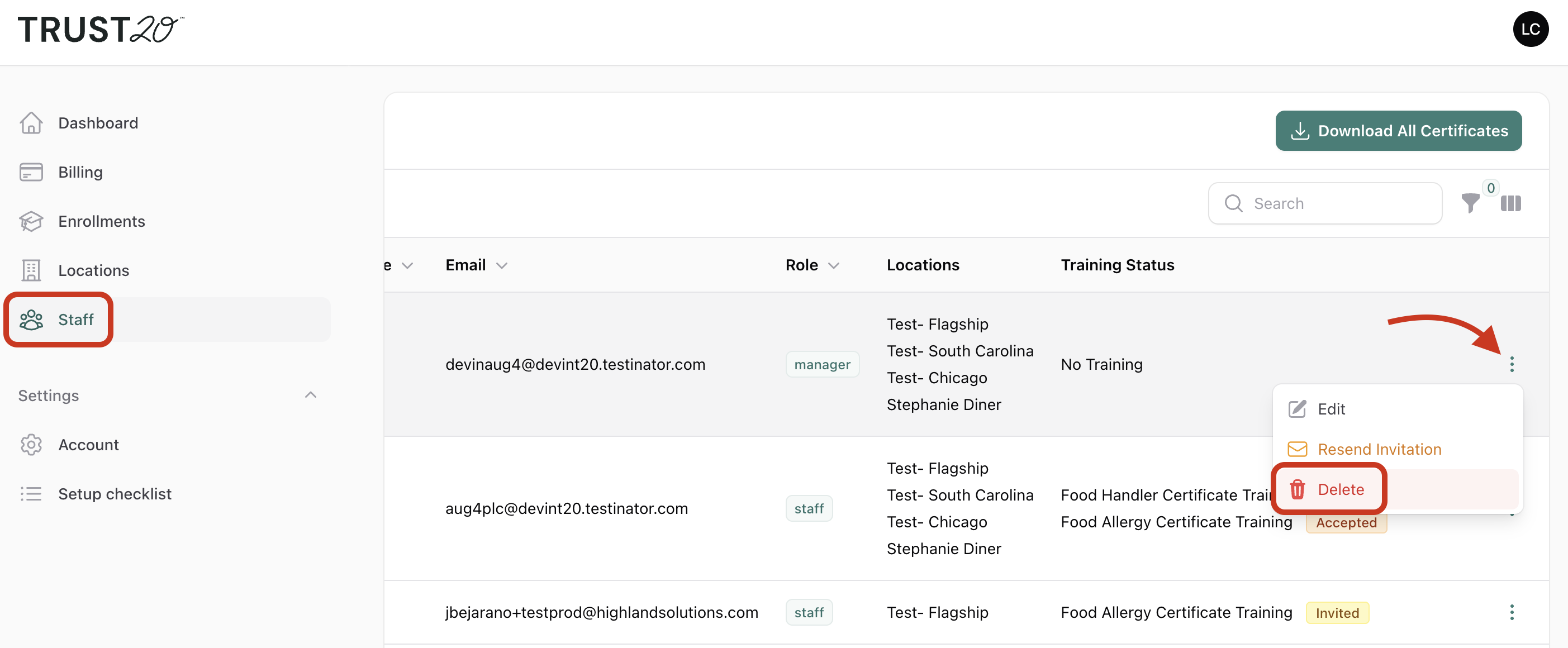
To delete a staff member:
- Log in to your dashboard at account.trust20.co.
- Go to the Staff page.
- Search for the staff member by name or email.
- Click the three dots on their row.
- Click Delete.
What happens to their account?
Deleting a staff member only removes them from your dashboard. Their Trust20 account still exists, so they can still log in and download any certificates they’ve already earned. Their records stay with them, wherever they work next.