![Trust20-1.svg]](https://help.trust20.co/hubfs/Trust20-1.svg)
If the button at the end of the lesson is still locked, that means you have not completed all interactions.

Check the lesson carefully to ensure you have watched all videos, flipped all flashcards, and completed anything "clickable" in the lesson. Once everything has been completed, the button will unlock, allowing you to continue.

Checking for completion:
1. Watch all videos. Ensure you have watched the videos all the way through. You cannot skip ahead in the videos. You can increase the playback speed.
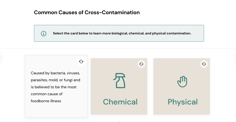
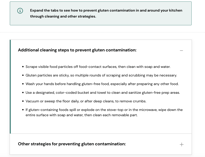
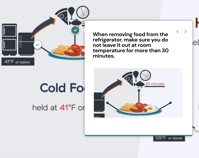
2. Check for other types of interactions. There are many types of interactive activities, like flipping flashcards, expanding tabs or callouts, and scrolling through carousels of information.
3. Scroll down to the end of the congratulations page. When finishing the final training module in some courses, the exam unlock may not be triggered unless you have scrolled all the way down to the end of the lesson. Try closing and reopening the lesson and scrolling as far as possible.
Contact Trust20 Support for help.
If you aren't able to proceed, Trust20 Support is here to help. Simply go to the “Help Center” at help.trust20.co.
Scroll down to the bottom of the Help Center homepage and click the “Contact Us” option.
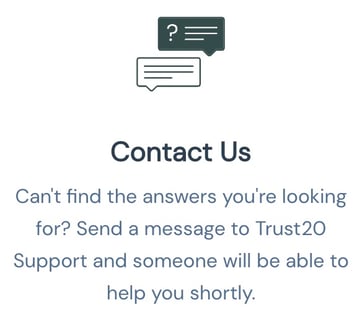
Fill in the fields with the name and email address that is registered to your Trust20 account. In the message description, let us know that your course is stuck and will not progress. A member from the Trust20 support team will be in touch as soon as possible and will be able to get your course issue resolved.
You can help prevent the course from becoming stuck! If you need to step away from the course and come back to it later, make sure to log out of the course completely to ensure that your progress is saved.