![Trust20-1.svg]](https://help.trust20.co/hubfs/Trust20-1.svg)
Navigate to the Locations tab and click the "New Location" button.
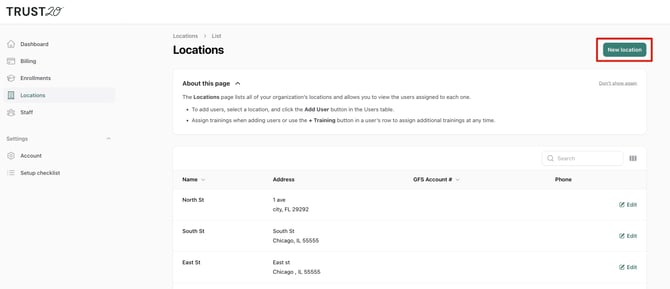
Fill in the required fields and select "Create" to save.
To edit an existing location, click the "Edit" button next to the location, update the necessary fields and click "Save Changes". 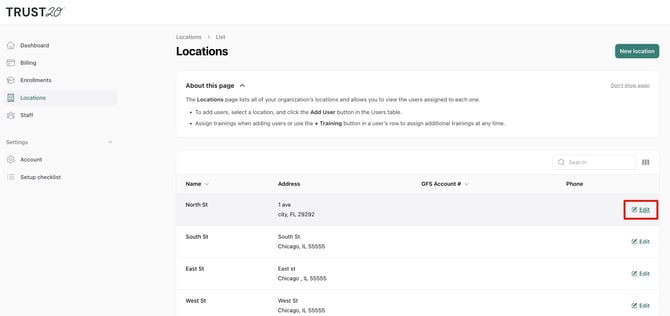
Only the account owner can add locations. If you are not the account owner, you will need to ask them to add a location or contact Trust20 Support.